 English
 Spanish
 French
 German
 Italian
 Amharic
 Afrikaans
 Arabic
 Chinese
 Japanese
 Korean
 Turkish
 Finnish
 Bengali
 Czech
Czech
 Indonesian
 Danish
 Greek
Greek
 Hindi
Hindi
 Armenian
 Malay
Malay
 Dutch
Dutch
 Norwegian
 Polish
 Portuguese
 Romanian
 Russian
 Swedish
 Thai
Thai
 Vietnamese
 Ukrainian
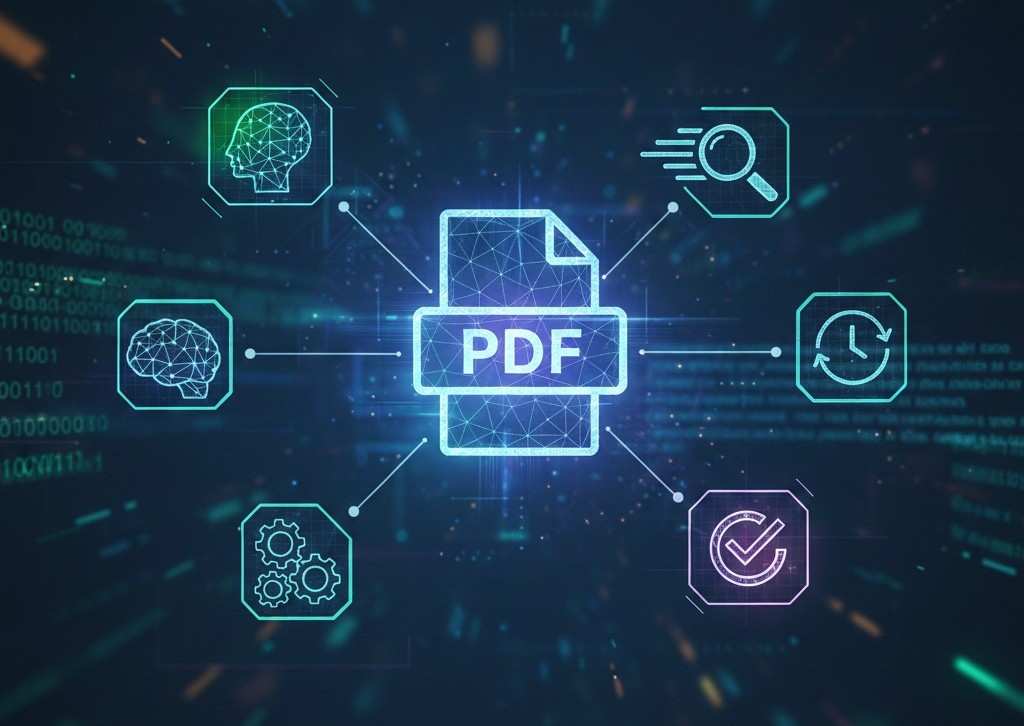
How AI Is Changing PDF and Document Processing in 2026
Documents Are Becoming Intelligent
Digital documents are no longer static files. In 2026, artificial intelligence plays a central role in how documents are created, read, analyzed, and shared. PDF files, in particular, are evolving from simple containers of text into intelligent information sources.
AI-powered document processing helps users save time, reduce errors, and extract value from large amounts of data. This article explains how AI works in document processing, why it matters, and how PDFs fit into this transformation.
What Is AI Document Processing
AI document processing refers to the use of artificial intelligence to understand, analyze, and act on document content automatically.
Instead of relying only on manual reading or basic text extraction, AI systems can:
- Identify document structure
- Understand context and meaning
- Extract key information
- Generate summaries
- Improve workflow decisions
PDF files are a major focus because they are widely used across industries.
Why PDFs Are Central to AI Document Processing
PDFs are designed to preserve structure and layout. This makes them reliable for sharing, but historically difficult to analyze automatically.
Recent AI advancements allow systems to:
- Recognize headings and sections
- Distinguish tables from paragraphs
- Interpret text across pages
- Maintain logical flow
As a result, PDFs are now well suited for AI-driven analysis.
Key AI Capabilities Applied to PDF Documents
1. AI-Powered Text Understanding
Modern AI models analyze text semantically rather than line by line. This allows systems to understand meaning, not just words.
For PDFs, this means:
- Understanding topics
- Identifying main ideas
- Grouping related content
This capability is essential for summarization and search relevance.
2. Automatic PDF Summarization
One of the most widely adopted AI features in document processing is summarization.
AI summarization systems:
- Scan entire documents
- Identify important sections
- Generate concise summaries
This is especially useful for reports, research papers, manuals, and legal documents.
3. Intelligent Conversion Between Formats
AI improves file conversion accuracy by preserving layout, structure, and formatting.
Examples include:
- PDF to Word conversion that keeps headings intact
- Word to PDF conversion that maintains layout consistency
AI reduces errors that previously required manual fixes.
4. Smarter Compression Without Quality Loss
AI-assisted compression analyzes visual elements and text importance.
Instead of applying uniform compression, AI:
- Preserves readable text
- Optimizes images intelligently
- Reduces file size selectively
This improves usability without sacrificing clarity.
How AI Improves Document Workflow Efficiency
AI does not replace document workflows. It enhances them.
Key improvements include:
- Faster decision making
- Reduced manual review
- Lower processing time
- Fewer document errors
AI systems handle repetitive tasks, allowing users to focus on analysis and communication.
AI and Multi-Document Handling
AI is increasingly used to manage collections of documents.
Capabilities include:
- Combining related files logically
- Maintaining order during merging
- Understanding document relationships
This is useful for business reports, academic submissions, and administrative records.
Image-Based Documents and AI
Many PDFs originate from scanned images or photos.
AI helps by:
- Structuring image-based documents
- Converting images into usable PDFs
- Extracting usable information from visual content
This bridges the gap between physical and digital documents.
Why AI Document Processing Matters for Search Engines
Google and AI search engines prioritize content that is:
- Structured
- Clear
- Informational
- Entity-based
AI-processed documents are easier to:
- Index
- Understand
- Summarize
- Reference in AI answers
This is why AI-powered document tools align well with modern search visibility.
AI Limitations in Document Processing
Despite major progress, AI still has limits.
Current challenges include:
- Understanding highly complex layouts
- Interpreting handwritten content perfectly
- Replacing expert-level judgment
AI works best as an assistant, not a replacement for human review.
Security and Privacy in AI Document Processing
Responsible AI document platforms focus on:
- Encrypted file processing
- Temporary file handling
- Automatic deletion
- No long-term storage
These practices reduce exposure risks while maintaining performance.
External Industry Reference
According to IBM research on AI automation, intelligent document processing is one of the fastest-growing enterprise AI applications:
This confirms the long-term relevance of AI in document workflows.
Conclusion: AI Is Redefining How Documents Are Used
In 2026, AI has transformed PDFs from static files into intelligent resources. Through summarization, smarter conversion, optimized compression, and structured workflows, AI enables faster and more effective document handling.
As AI systems continue to improve, document processing will become even more efficient, accessible, and integrated into daily digital work.
PDFs remain at the center of this transformation, supported by AI-powered tools designed for modern information needs.
FAQs
What is AI document processing in simple terms
It is the use of artificial intelligence to understand and work with documents automatically.
Why are PDFs important in AI document processing
PDFs are widely used and preserve structure, making them valuable for AI analysis.
Can AI summarize PDFs accurately
Yes, AI can generate reliable summaries for most informational documents.
Does AI replace manual document work
No. AI supports users by reducing repetitive tasks and saving time.
Is AI document processing secure
Yes, when platforms use encrypted processing and automatic file deletion.