 English
 Spanish
 French
 German
 Italian
 Amharic
 Afrikaans
 Arabic
 Chinese
 Japanese
 Korean
 Turkish
 Finnish
 Bengali
 Czech
Czech
 Indonesian
 Danish
 Greek
Greek
 Hindi
Hindi
 Armenian
 Malay
Malay
 Dutch
Dutch
 Norwegian
 Polish
 Portuguese
 Romanian
 Russian
 Swedish
 Thai
Thai
 Vietnamese
 Ukrainian
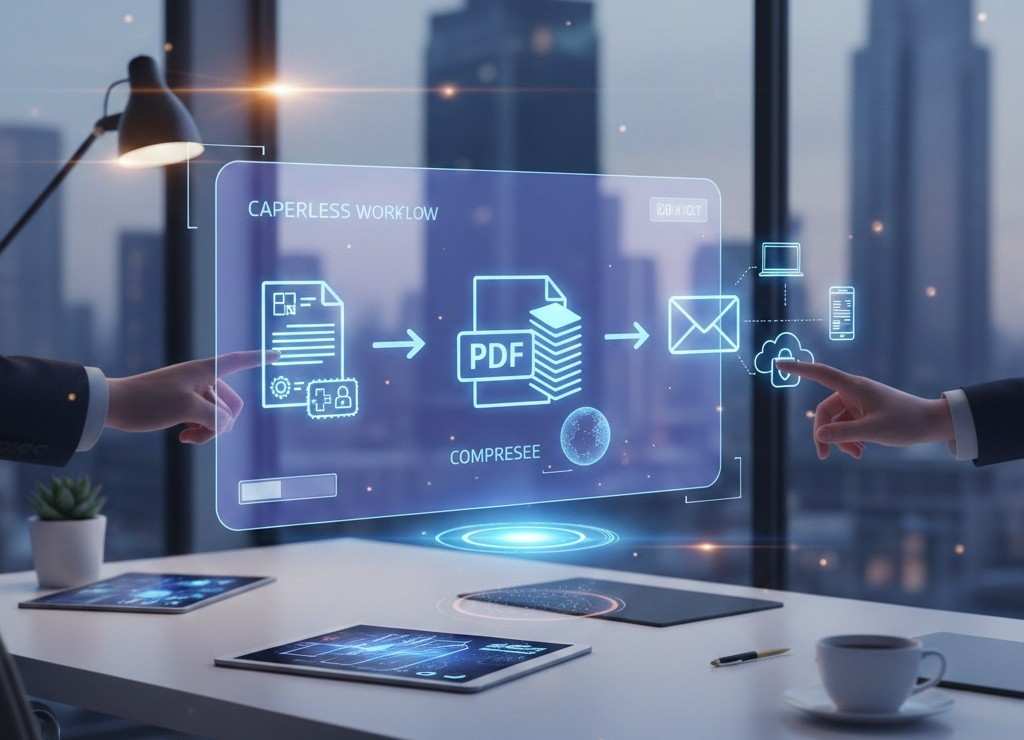
How to Create and Share Digital Documents in 2026: The Paperless Workflow Guide
The shift toward paperless work is accelerating in 2026. Businesses, students, freelancers, and remote teams are moving away from printed documents and adopting fully digital workflows.
From submitting assignments to signing contracts, everything now happens online. But creating and sharing digital documents efficiently requires more than just writing a file. It requires the right format, optimized file size, and secure sharing methods.
This guide explains how to build a simple, efficient paperless workflow using modern PDF tools that work across all devices.
Why Paperless Workflows Are Trending in 2026
Several factors are driving the growth of digital documentation:
- Remote and hybrid work environments
- Online academic submissions
- Digital contracts and invoices
- Environmental sustainability goals
- Faster global collaboration
Organizations are prioritizing efficiency, security, and compatibility. PDF remains the most widely accepted format for final document sharing.
According to Adobe , PDF continues to be the global standard for reliable document exchange.
Step 1: Create Documents in an Editable Format
Start by creating your document in an editable format such as:
- Word documents
- Apple Pages
- Text editors
Editable formats are ideal for drafting, revising, and collaboration. Once the content is finalized, it should be converted into PDF for stable sharing.
If you are working in Word , you can convert easily here:
Step 2: Convert to PDF for Stability and Compatibility
Why convert to PDF?
PDF ensures:
- Fixed formatting
- Consistent layout
- Universal compatibility
- Professional presentation
- Print readiness
Converting to PDF prevents accidental edits and ensures the document appears exactly as intended on every device.
Step 3: Optimize File Size for Faster Sharing
One of the biggest challenges in digital workflows is large file size. High-resolution images and embedded fonts can increase document size significantly.
Before sending your PDF via email or uploading to platforms, reduce file size using!
- Upload faster
- Download quicker
- Meet size limits
- Save storage space
This step is essential for businesses and students handling multiple files daily.
Step 4: Combine Related Documents
In 2026, document organization is critical. Instead of sending multiple files separately, merge them into a single PDF.
Examples:
- Resume + Cover Letter
- Contract + Terms and Conditions
- Project Report + Appendices
Use this tool to combine documents.
Merging improves professionalism and simplifies file management.
Step 5: Convert PDFs When Editing Is Needed
Sometimes a document needs further editing after conversion. Instead of recreating it from scratch, convert the PDF back to an editable format.
PDF to Word tool : This saves time and maintains workflow efficiency.
This saves time and maintains workflow efficiency.
Step 6: Share Securely and Professionally
Modern digital sharing includes:
- Email attachments
- Cloud uploads
- Direct download links
- Messaging apps
Before sharing, ensure:
- The file opens correctly
- Formatting is preserved
- File size is optimized
- No hidden editing marks remain
PDF format helps maintain document integrity during sharing.
Why PDF Is Central to Paperless Workflows
PDF remains essential because:
- It works on all operating systems
- It preserves layout
- It is widely accepted
- It prevents accidental modification
- It prints consistently
In remote and global work environments, reliability is critical. PDF provides that reliability.
Who Benefits Most from a Paperless Workflow
Students
Submit assignments, research papers, and applications in a professional format.
Remote Workers
Collaborate across different devices and platforms without formatting issues.
Freelancers
Send proposals, contracts, and invoices securely.
Businesses
Manage documentation efficiently while reducing printing costs.
Common Mistakes in Digital Document Workflows
Avoid these common issues:
- Sending editable files instead of PDFs
- Ignoring file size limits
- Not reviewing final layout
- Sharing multiple unorganized attachments
- Using unsupported file formats
Following a structured workflow eliminates these problems.
The Future of Digital Document Handling
The future of document management includes:
- Cloud-based storage
- Mobile-first workflows
- Faster online conversions
- Increased demand for secure document sharing
- Automation in file processing
However, the foundation remains the same. Clean, optimized PDF files are still the standard for professional communication.
Conclusion
Paperless workflows are no longer optional. They are the standard for modern work, education, and communication. By creating documents in editable formats, converting them to PDF, compressing them, and organizing them properly, you ensure efficiency and professionalism.
A structured digital workflow saves time, reduces errors, and improves document presentation. Whether you are a student, freelancer, or business professional, mastering PDF-based document management is essential in 2026.
Frequently Asked Questions
Why is PDF still the preferred format in 2026
PDF ensures formatting consistency and universal compatibility across devices.
How do I reduce PDF size without losing quality
Use a compression tool that maintains readability while optimizing file size.
Can I edit a PDF after converting it
Yes. Convert it back to an editable format when needed.
Is paperless workflow secure
Yes, if you use secure tools and review documents before sharing.
Do businesses require PDF submissions
In most cases, yes. PDF is the standard format for contracts, reports, and applications.