 English
 Spanish
 French
 German
 Italian
 Amharic
 Afrikaans
 Arabic
 Chinese
 Japanese
 Korean
 Turkish
 Finnish
 Bengali
 Czech
Czech
 Indonesian
 Danish
 Greek
Greek
 Hindi
Hindi
 Armenian
 Malay
Malay
 Dutch
Dutch
 Norwegian
 Polish
 Portuguese
 Romanian
 Russian
 Swedish
 Thai
Thai
 Vietnamese
 Ukrainian
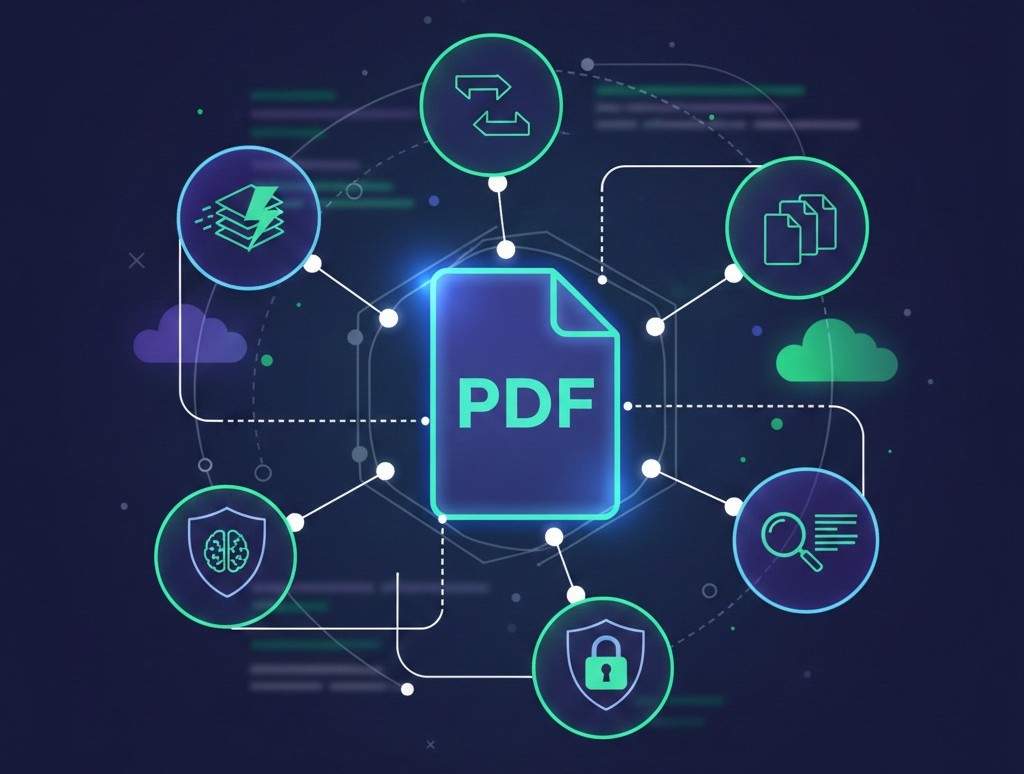
How to Build a Faster PDF Workflow Without Software in 2026 (Productivity Blueprint)
The Shift Toward Software-Free PDF Workflows
In 2026, productivity is no longer about installing more software it's about working faster with fewer tools. Whether you are a student, remote worker, or business professional, managing PDFs efficiently can save hours every week.
Traditional desktop software is expensive, slow to update, and tied to specific devices. Modern users now prefer browser-based PDF workflows that allow them to convert, compress, merge, and manage documents instantly without downloads, registrations, or compatibility issues.
This article explains how to build a complete, fast, and reliable PDF workflow using free online tools, while maintaining security, quality, and flexibility.
What Is a PDF Workflow?
A PDF workflow is the step-by-step process you follow when handling documents, such as:
- Creating PDFs
- Editing or converting files
- Reducing file size
- Combining documents
- Sharing final outputs
An optimized workflow removes unnecessary steps and ensures documents move smoothly from start to finish.
Why Software-Based PDF Workflows Are Slowing You Down
Many users still rely on traditional PDF software, but this approach has drawbacks:
- Requires installation and updates
- Tied to one device
- Often expensive
- Slower for quick tasks
- Limited mobile compatibility
Browser-based tools eliminate these issues and allow instant access from anywhere.
The Core Elements of a Fast PDF Workflow
To build an efficient PDF workflow, you only need a few essential capabilities.
1. Quick File Conversion
Most workflows start with file conversion. Editable formats allow flexibility, while PDFs ensure consistency.
Key tools:
- PDF to Word - Edit content easily
- Word to PDF - Finalize and share documents
Fast, accurate conversion ensures documents remain professional without rework.
2. Smart File Size Management
Large files slow down uploads, emails, and cloud sharing. Compression is essential.
- Compress PDF reduces file size while preserving quality
This step alone can significantly improve workflow speed.
3. Document Consolidation
Instead of managing multiple files, merging PDFs keeps everything organized.
- Merge PDF combines files into one clean document
This is ideal for reports, invoices, proposals, and scanned documents.
4. Image and PDF Interoperability
Images are often part of document workflows, especially with scanned files.
This flexibility ensures seamless transitions between formats.
Using AI to Speed Up Document Review
One of the biggest productivity bottlenecks is reading long documents. AI-powered summarization solves this.
- PDF Summarize Tool helps extract key points instantly
This is especially useful for:
- Research papers
- Business reports
- Contracts and proposals
Instead of reading page by page, users can focus only on what matters.
Security: The Foundation of Any PDF Workflow
Speed means nothing without security. A reliable workflow must include:
- HTTPS encryption
- Automatic file deletion
- No forced account creation
- No watermarks or file modification
PDFtools processes files securely and removes them automatically, allowing users to work confidently with sensitive documents.
Workflow Examples for Different Users
Students
- Convert assignments to PDF
- Compress files for upload limits
- Summarize study materials
All tasks can be completed from a browser without software.
Professionals
- Edit reports using PDF to Word
- Merge documents before sharing
- Convert final versions to PDF
This ensures clean formatting and fast turnaround.
Remote Workers & Freelancers
- Access tools from any device
- Work without installations
- Share documents instantly
Browser-based workflows are ideal for flexible work environments.
Businesses
- Process large volumes of documents
- Maintain consistency and security
- Improve team efficiency
A centralized online workflow reduces delays and complexity.
Best Practices for a High-Performance PDF Workflow
- Use cloud-based tools instead of software
- Avoid storing files longer than necessary
- Keep documents organized before merging
- Compress files before sharing
- Always verify HTTPS security
Following these practices ensures speed without sacrificing quality.
External Reference: Digital Productivity Standards
For broader insights into document productivity and digital workflows, Google's documentation on modern work practices is a helpful external resource: This complements browser-based PDF tools for efficient digital work.
Conclusion: Work Smarter with a Software-Free PDF Workflow
In 2026, productivity is about simplicity, speed, and accessibility. A software-free PDF workflow allows users to handle documents efficiently without technical barriers.
By combining conversion, compression, merging, image handling, and AI summarization, PDFtools enables a complete workflow that works anytime, anywhere.
Start building your faster PDF workflow here!
FAQs
1. Can I build a complete PDF workflow without software?
Yes. Modern browser-based tools provide everything needed for conversion, compression, merging, and sharing.
2. Are online PDF workflows reliable for daily use?
Trusted platforms with secure processing and fast performance are reliable for everyday tasks.
3. Do online PDF tools work on mobile devices?
Yes. They are fully compatible with smartphones, tablets, and desktops.
4. Is it safe to handle work documents online?
Yes, when using platforms that encrypt data and delete files automatically.
5. How can I make my PDF workflow faster?
Use fewer tools, rely on browser-based solutions, compress files early, and summarize long documents with AI.