 English
 Spanish
 French
 German
 Italian
 Amharic
 Afrikaans
 Arabic
 Chinese
 Japanese
 Korean
 Turkish
 Finnish
 Bengali
 Czech
Czech
 Indonesian
 Danish
 Greek
Greek
 Hindi
Hindi
 Armenian
 Malay
Malay
 Dutch
Dutch
 Norwegian
 Polish
 Portuguese
 Romanian
 Russian
 Swedish
 Thai
Thai
 Vietnamese
 Ukrainian
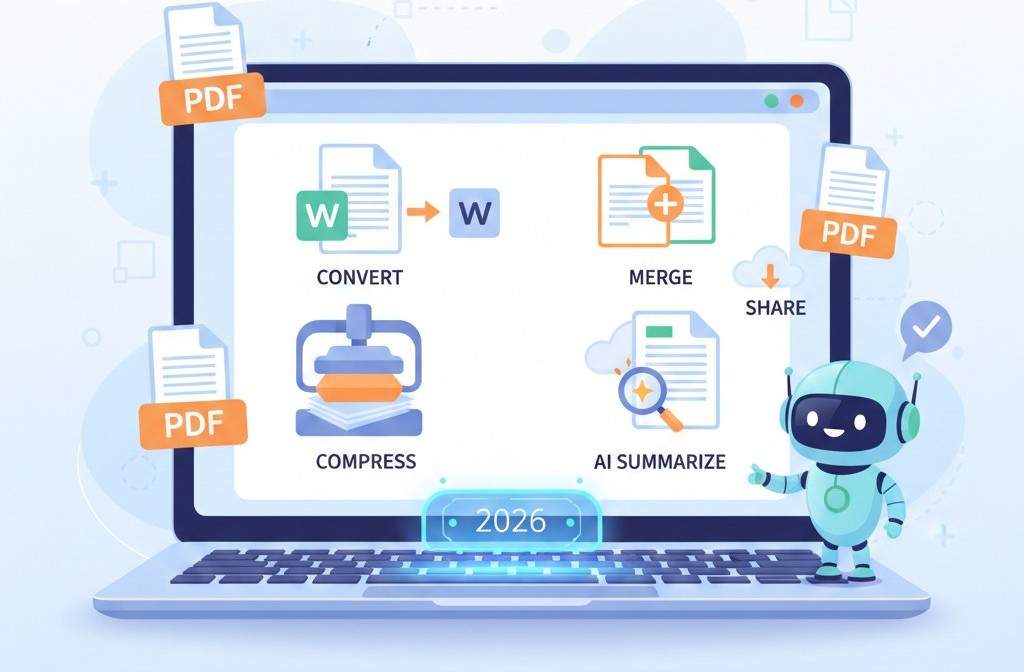
PDF Handling for Beginners in 2026: A Simple Guide to Getting It Right
Why PDFs Confuse Beginners
PDF files are everywhere. Schools, offices, businesses, and freelancers rely on them daily. Yet many beginners struggle with PDFs because they try to treat them like regular documents.
Common beginner problems include:
- Not knowing when to convert a PDF
- Sharing files that are too large
- Losing formatting
- Reading long PDFs inefficiently
In 2026, handling PDFs does not require advanced skills or paid software. With the right approach and tools, anyone can manage PDFs easily and correctly. This guide explains PDF basics in simple terms and shows beginners how to avoid common mistakes.
What Is a PDF and Why Is It Used?
A PDF is designed to look the same on every device. Unlike Word or image files, PDFs preserve layout, fonts, and spacing.
PDFs are commonly used for:
- Assignments and reports
- Business documents
- Contracts and invoices
- Guides and manuals
The key idea to remember is simple. PDFs are for sharing and viewing. Editing usually comes later.
When You Should Convert a PDF
Beginners often try to edit PDFs directly, which leads to frustration.
Convert a PDF when you need to edit content
If you need to change text, numbers, or structure, convert the PDF first.
After conversion, editing becomes easy and familiar.
When You Should Convert Files to PDF
Not every document should stay in Word or image format.
Convert files to PDF when sharing
PDFs prevent layout changes and accidental edits.
This is ideal for assignments, reports, proposals, and official documents.
Why File Size Matters for PDFs
Large PDFs are one of the biggest beginner problems.
Large files:
- Fail to upload
- Are slow to email
- Are hard to download on mobile
Compress PDFs before sharing
Compression reduces file size while keeping the document readable and professional.
How to Handle Multiple PDF Files
Beginners often send many PDFs separately, which creates confusion.
Merge related PDFs into one
This is useful for:
- Multi-page assignments
- Project documents
- Business reports
One file is always easier to manage than many.
Images and PDFs: What Beginners Should Know
Photos and scans are common, but images alone are not ideal for documents.
Convert images to PDFs
JPG to PDF tool , This helps organize receipts, scanned pages, and phone photos.
Convert PDFs to images when needed
PDF to JPG tool , This is useful for previews or platforms that do not accept PDFs.
How Beginners Can Read PDFs Faster
Reading long PDFs can be overwhelming, especially for beginners.
Use AI to summarize PDFs
PDF Summarize tool , This allows users to:
- Understand key points quickly
- Save time on long documents
- Focus on important information
Why Beginners Should Avoid PDF Software
Many beginners believe they need to install software to manage PDFs.
In reality, online PDF tools:
- Work instantly
- Do not require installation
- Run on any device
- Are easier to learn
For beginners, browser-based tools are the best choice.
Beginner PDF Workflow (Simple Version)
- Decide if the file needs editing
- Convert PDF to Word if editing is required
- Convert files to PDF before sharing
- Compress PDFs before uploading
- Merge related files
- Summarize long documents if needed
Following this workflow prevents most beginner mistakes.
External Learning Resource
According to Microsoft documentation , PDFs are best used as final, shareable formats rather than editable files.
Understanding this principle makes PDF handling much easier.
Conclusion: PDFs Are Easy When You Follow the Basics
PDFs are not complicated. Most beginner problems come from misunderstanding how PDFs are meant to be used. By converting when necessary, compressing before sharing, and using AI for reading, beginners can handle PDFs confidently.
PDFtools.net offers simple, free, and beginner-friendly tools that make PDF management easy in 2026.
Start using smarter PDF tools here.
FAQs
Are PDFs difficult for beginners?
No. PDFs are simple once you know when to convert and optimize them.
Can beginners use free PDF tools safely?
Yes, when using trusted platforms with secure processing.
Do PDFs always need compression?
Only when file size causes upload or sharing issues.
Can beginners manage PDFs on mobile devices?
Yes. Online PDF tools work well on phones and tablets.
What is the biggest PDF mistake beginners make?
Trying to edit PDFs directly instead of converting them first.