 English
 Spanish
 French
 German
 Italian
 Amharic
 Afrikaans
 Arabic
 Chinese
 Japanese
 Korean
 Turkish
 Finnish
 Bengali
 Czech
Czech
 Indonesian
 Danish
 Greek
Greek
 Hindi
Hindi
 Armenian
 Malay
Malay
 Dutch
Dutch
 Norwegian
 Polish
 Portuguese
 Romanian
 Russian
 Swedish
 Thai
Thai
 Vietnamese
 Ukrainian
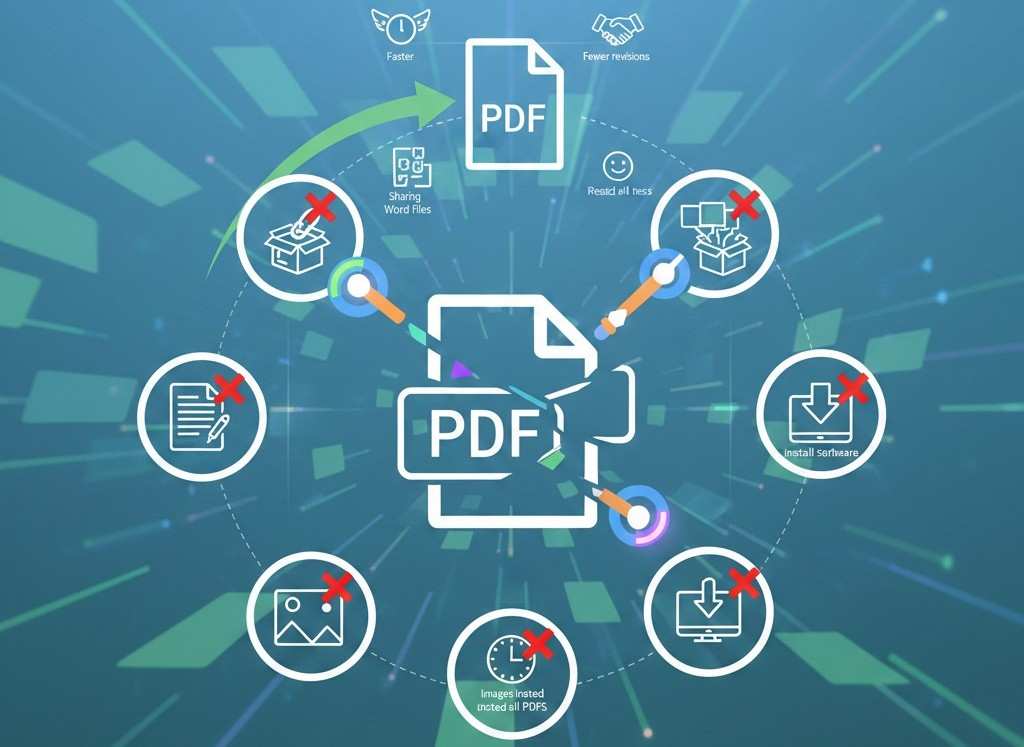
7 Common PDF Mistakes That Slow You Down in 2026 (And How to Fix Them Fast)
PDFs Should Save Time, Not Waste It
PDFs are meant to make document sharing easier. Yet for many people in 2026, PDFs still cause frustration: broken formatting, oversized files, unreadable scans, and endless back-and-forth edits.
The problem isn't the PDF format itself, it's how PDFs are handled.
This article breaks down the most common PDF mistakes users make today and shows simple, fast fixes using modern online PDF tools. Avoiding these mistakes can save hours every week and dramatically improve productivity.
Mistake #1: Editing PDFs Instead of Converting Them
The Problem
Many users try to edit PDFs directly using limited tools or manual copy-paste. This leads to:
- Formatting issues
- Missing text
- Wasted time
The Fix
Convert PDFs into editable Word documents first.This allows clean editing without layout damage and prevents unnecessary rework.
Mistake #2: Sharing Word Files Instead of PDFs
The Problem
Sharing Word files often causes:
- Font changes
- Layout shifts
- Version confusion
The Fix
Always finalize documents as PDFs before sharing.
PDFs preserve formatting across all devices and eliminate revision loops.
Mistake #3: Sending Large PDFs Without Compression
The Problem
Large PDFs cause:
- Email delivery failures
- Slow uploads
- Poor mobile experience
The Fix
Compress PDFs before uploading or emailing.
This reduces file size while keeping visual quality intact.
Mistake #4: Managing Multiple PDF Files Separately
The Problem
Sending multiple PDF files creates confusion and increases follow-ups.
The Fix
One file = clearer communication and faster approvals.
Mistake #5: Using Images Instead of PDFs for Documents
The Problem
Sharing documents as images:
- Looks unprofessional
- Is harder to store
- Can't be searched easily
The Fix
This is ideal for scanned documents, receipts, and photos taken on phones.
Mistake #6: Reading Entire PDFs Instead of Summarizing
The Problem
Long PDFs consume time unnecessarily—especially reports, research papers, and proposals.
The Fix
Use AI to summarize PDFs instantly.
This helps users understand key points in minutes instead of hours.
Mistake #7: Installing Heavy Software for Simple Tasks
The Problem
Desktop PDF software:
- Takes time to install
- Requires updates
- Slows devices
- Locks users to one machine
The Fix
Use browser-based PDF tools.
Online PDF tools:
- Work instantly
- Run on all devices
- Require no setup
- Save time every day
Why These PDF Mistakes Still Happen in 2026
Despite better tools, people often:
- Stick to old habits
- Don't know faster alternatives
- Assume paid software is required
Modern online PDF tools remove these barriers completely.
How Fixing These Mistakes Improves Productivity
Avoiding these mistakes leads to:
- Faster document turnaround
- Fewer revisions
- Cleaner file sharing
- Better collaboration
- Less stress
Small improvements in document handling create big productivity gains.
External Productivity Insight
According to Forbes , eliminating small workflow inefficiencies significantly improves daily output: PDF handling is one of the easiest areas to optimize.
Conclusion: Fix the Mistakes, Fix the Workflow
PDFs don't need to slow you down. Most problems come from outdated habits—not the format itself. By fixing these common PDF mistakes and using modern online tools, users can work faster, share cleaner documents, and avoid unnecessary frustration.
PDFtools.net offers simple, fast, and secure solutions for every common PDF problem—without software, registration, or limits.
Fix your PDF workflow here: https://www.pdftools.net
FAQs
1. What is the biggest PDF mistake people make?
Trying to edit PDFs directly instead of converting them first.
2. Do compressed PDFs lose quality?
Not when using trusted PDF compression tools.
3. Are online PDF tools safe for sensitive files?
Yes, when platforms use encryption and automatic file deletion.
4. Can these fixes work on mobile devices?
Absolutely. Browser-based tools work on phones and tablets.
5. How much time can these fixes save weekly?
Most users save between 3–7 hours per week.