 English
 Spanish
 French
 German
 Italian
 Amharic
 Afrikaans
 Arabic
 Chinese
 Japanese
 Korean
 Turkish
 Finnish
 Bengali
 Czech
Czech
 Indonesian
 Danish
 Greek
Greek
 Hindi
Hindi
 Armenian
 Malay
Malay
 Dutch
Dutch
 Norwegian
 Polish
 Portuguese
 Romanian
 Russian
 Swedish
 Thai
Thai
 Vietnamese
 Ukrainian
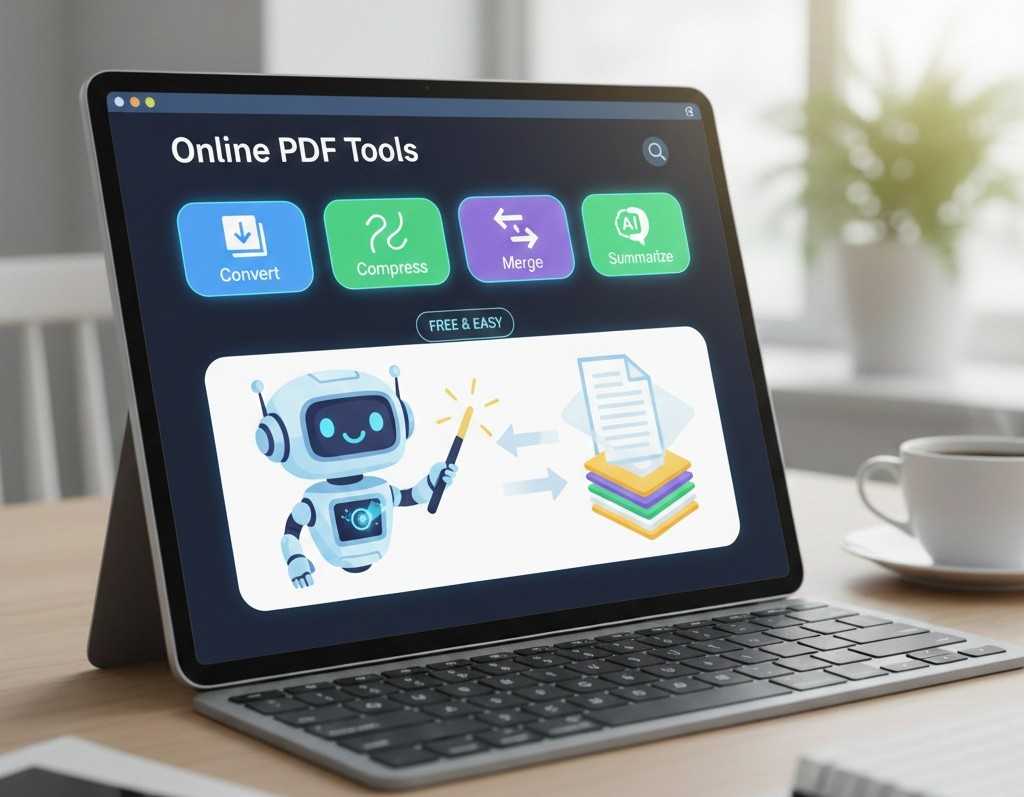
A Beginner's Guide to Using Online PDF Tools Effectively in 2026
PDFs Made Simple for Beginners
PDF files are everywhere school assignments, office documents, contracts, invoices, and manuals. Yet for many beginners, working with PDFs still feels confusing. Editing isn't straightforward, files are often too large, and compatibility issues can slow things down.
In 2026, online PDF tools have simplified everything. You no longer need expensive software or technical knowledge. With browser-based tools, anyone can convert, compress, merge, and manage PDFs in minutes.
This beginner-friendly guide explains what online PDF tools are, how they work, and how to use them effectively, even if you have never worked with PDFs before.
What Are Online PDF Tools?
Online PDF tools are web-based services that help you work with PDF files directly in your browser. They allow you to:
- Convert PDFs to editable formats
- Turn documents into PDFs
- Reduce file size
- Combine multiple PDFs
- Convert images and PDFs
- Summarize long documents using AI
Because they run online, there is:
- No software installation
- No registration required
- No device limitation
Platforms like PDFtools.net are designed specifically for ease of use and speed.
Why Online PDF Tools Are Ideal for Beginners
For first-time users, simplicity matters more than advanced features.
Key Advantages
- Clean and simple interface
- One-click actions
- Works on mobile, tablet, and desktop
- No technical setup
- Fast results
Beginners can focus on completing tasks instead of learning complex software.
Essential PDF Tasks Every Beginner Should Know
1. Converting PDFs to Editable Files
PDFs are not designed for editing. Beginners often struggle to change text inside them.
Solution
Use a PDF to Word converter to make PDFs editable:
This allows you to:
- Edit text
- Update tables
- Reuse content easily
2. Turning Documents into PDFs
Sharing Word files can cause formatting issues on different devices.
Best Practice
Always convert documents to PDF before sharing:
This locks layout, fonts, and spacing so your document looks the same everywhere.
3. Reducing PDF File Size
Large PDFs are difficult to email or upload, especially for beginners.
Easy Fix
Compress your PDF before sharing:
Compression makes files smaller without hurting quality.
4. Combining Multiple PDFs
Sending many files at once can confuse recipients.
Smart Approach
Merge related PDFs into one file:
This keeps documents organized and professional.
5. Working With Images and PDFs
Beginners often deal with scanned documents or photos.
Correct Tools
This ensures compatibility and clean presentation.
Using AI Tools to Save Time
Reading long PDFs can be overwhelming, especially for beginners.
AI-Powered Solution
Use a PDF summarizer to extract key points quickly:
This helps users understand documents faster without reading every page.
Common Beginner Mistakes and How to Avoid Them
Uploading Files Without Checking Security
Always use HTTPS-based platforms that delete files automatically.
Sharing Large Files Without Compression
Compress PDFs first to avoid upload errors.
Sending Editable Files Instead of PDFs
Convert documents to PDF to maintain formatting.
Skipping File Review
Always preview files before sharing or submitting.
Avoiding these mistakes improves results instantly.
Best Practices for Beginners Using Online PDF Tools
- Use one tool for one task
- Keep files organized before merging
- Compress before sharing
- Review converted documents
- Use trusted platforms only
These habits make PDF handling stress-free.
Who Benefits Most From Beginner-Friendly PDF Tools?
Students
- Submit assignments correctly
- Meet file size limits
- Read study material faster
Office Workers
- Share professional documents
- Edit reports easily
- Reduce email issues
Remote Workers
- Access tools from anywhere
- No software installation needed
Small Businesses
- Manage invoices and documents efficiently
- Reduce operational friction
External Resource for Beginners
For general guidance on digital file management and document formats, Mozilla's documentation on PDFs offers helpful beginner insights: This supports a better understanding of how PDFs work.
Conclusion: Start Using Online PDF Tools With Confidence
For beginners in 2026, working with PDFs no longer needs to be complicated. Online PDF tools provide a simple, fast, and secure way to manage documents without technical skills or software installations.
By learning basic tasks like converting, compressing, merging, and summarizing PDFs, users can save time, avoid errors, and work more confidently.
PDFtools.net offers everything a beginner needs to get started—with free access, strong security, and an easy learning curve.
Explore beginner-friendly PDF tools here:
FAQs
1. Are online PDF tools suitable for beginners?
Yes. Most online PDF tools are designed to be simple and beginner-friendly.
2. Do I need to install any software to use PDF tools?
No. Everything works directly in your web browser.
3. Are free PDF tools safe for new users?
They are safe when the platform uses encryption and automatic file deletion.
4. Can I use PDF tools on my phone?
Yes. Online PDF tools work on smartphones, tablets, and desktops.
5. What is the easiest PDF tool for beginners?
Tools with one-click actions, no registration, and clean interfaces like PDFtools.net are best for beginners.