 English
 Spanish
 French
 German
 Italian
 Amharic
 Afrikaans
 Arabic
 Chinese
 Japanese
 Korean
 Turkish
 Finnish
 Bengali
 Czech
Czech
 Indonesian
 Danish
 Greek
Greek
 Hindi
Hindi
 Armenian
 Malay
Malay
 Dutch
Dutch
 Norwegian
 Polish
 Portuguese
 Romanian
 Russian
 Swedish
 Thai
Thai
 Vietnamese
 Ukrainian
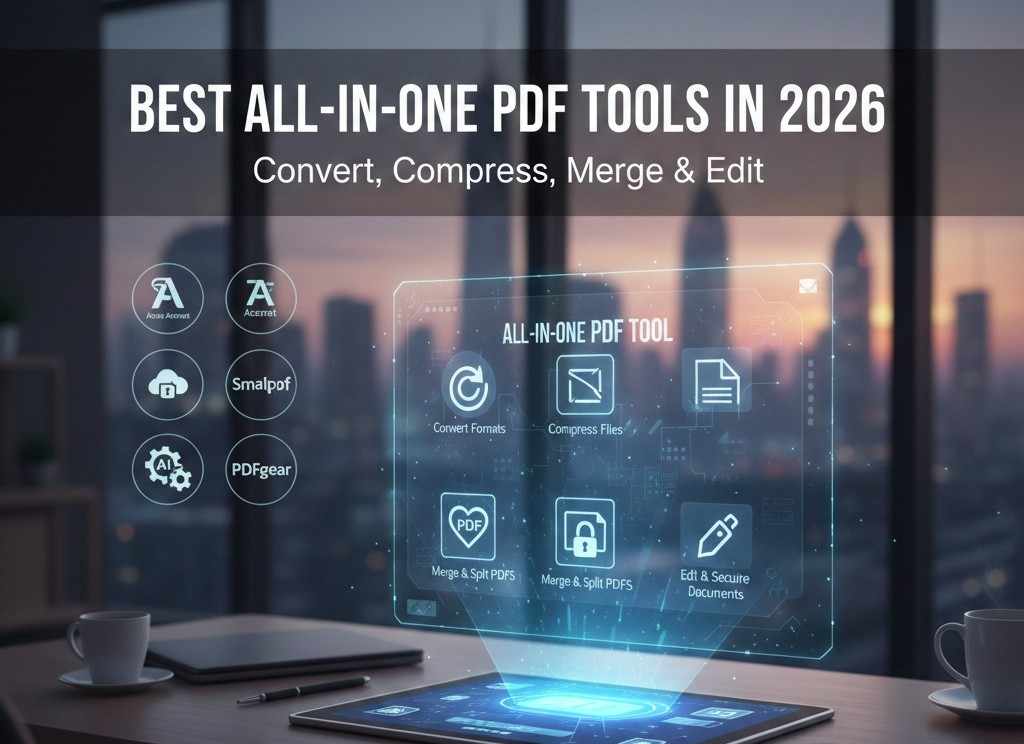
Best All-in-One PDF Tools in 2026: Convert, Compress, Merge & Edit
All-in-one PDF tools are becoming popular in modern work cultures as they are "all-in-one" shops. Users expect fast results and clear interfaces across every document-related task. Busy schedules push people toward software that reduces steps and daily confusion. One reliable platform saves time and builds trust through consistent performance.
Modern teams handle editing, conversion, signing, and sharing inside one connected workspace. This unified approach lowers learning effort and supports smooth workflows across devices. A simple design helps users finish tasks quickly without technical problems.
Companies choose single platforms because they reduce costs and improve team productivity. All-in-one solutions continue rising as digital expectations grow stronger each year. In this article, you will explore some of the best online PDF tools for editing, merging, compressing, etc. You will also learn how to choose the right paid or free PDF tools for better document management.
What Can Modern PDF Tools Do?
All-in-one PDF tools offer multiple features in one place. Here are some common products of multi-purpose PDF tools.
Convert formats
Modern PDF converter tools allow users to change documents into many common file types. People handle Word, Excel, and image formats without switching between different programs. This feature supports smooth sharing across teams and devices in daily work.
Compress files
Large documents create problems during storage, sharing, and email transfers. Modern PDF tools reduce file size while keeping text and images clear. Users gain faster uploads, easier downloads, and better system performance.
Merge and split PDFs
Many projects require combining pages from different documents into one file. Modern tools help users split long files into smaller and focused sections. This flexibility improves organization and supports efficient document handling.
Edit and secure documents
Modern PDF tools support text edits, page changes, and image adjustments. Security features protect files through passwords, permissions, and access controls. These tools help users maintain accuracy, privacy, and trust across professional documents.
Top All-in-One PDF Tools for 2026
Here are the top all-in-one PDF tools you can trust in 2026.
1. Adobe Acrobat
Adobe Acrobat remains one of the most complete PDF tool suites available in 2026. Users can create, export, and convert files between PDF and formats like Word, Excel, and PowerPoint with ease.
Acrobat lets people merge, split, and organize PDF pages straight from a web browser or desktop application. It supports strong document compression and advanced editing with OCR scanning for scanned pages. Users also secure documents with passwords, permissions, and digital signatures.
Acrobat online and desktop tools help teams review, comment, and share files efficiently across platforms. The software includes AI-assisted features that help summarize content and automate repetitive tasks.
Acrobat integrates e-signing workflows that many professionals depend on every day. Users can start with free online tools and explore advanced features with a subscription plan that unlocks greater productivity and security across devices.
2. Smallpdf
Smallpdf is a popular Swiss web-based PDF solution focused on simplicity and speed. Launched in 2013, Smallpdf offers tools to compress, convert, and edit PDF files in a simple online interface. Users can merge and split documents, convert PDFs to Word, Excel, or image files, and compress large files for easier sharing.
The platform also provides basic editing and e-signature features that suit most everyday business or professional needs. It works on any internet browser without complex setup and supports cloud storage links from services like Dropbox and Google Drive.
Smallpdf keeps its design easy to use so users spend less time learning software and more time completing tasks. The free tier includes essential tools, while a paid plan unlocks batch processing and advanced PDF management features.
3. iLovePDF
iLovePDF offers a broad set of online PDF utilities that work directly in web browsers. Users can compress, merge, split, and convert PDFs quickly without installing software. This platform supports many file conversions, including Word, Excel, PowerPoint, and image formats like JPG.
It also offers a PDF editor online that includes features like adding watermarks, page numbers, cropping, and rearranging pages. iLovePDF also includes security options such as password protection, file unlocking, redaction, and e-signatures.
A desktop app extends many tools offline for users who need more privacy or faster processing. Most basic tools remain free while premium plans increase daily limits and add faster conversions and bulk operations.
4. PDFgear
PDFgear is an emerging all-in-one PDF solution with many core features available at no cost. Users can edit text, images, and layouts in PDFs much like a word processor. The platform also includes annotation conversion, compression, merging, and splitting tools.
OCR functions let people extract text from scanned pages and convert scanned files into editable documents. It works across desktop, web, and mobile devices, which helps users manage files wherever they are.
The online tools cover quick tasks while the desktop version supports deeper editing and organizational work. PDFgear also includes AI-powered features that help summarize documents and find key information faster.
In short, each of these tools covers essential PDF needs while offering unique strengths.
- Acrobat excels in professional workflows and security
- Smallpdf focuses on fast availability
- iLovePDF delivers wide tool coverage and easy access
- PDFgear blends advanced editing with innovative AI enhancements
Choose one that matches your workflow style and document demands.
How to Choose the Best PDF Tool
Here are some important factors to consider when choosing an all-in-one PDF tool.
1. Features
Strong features define how well a PDF tool supports daily document tasks. Users should check editing, conversion, compression, and signing tools before choosing software. Advanced options like OCR and batch processing improve productivity for complex projects.
2. Pricing
Clear pricing helps readers match a PDF tool with personal or business budgets. Free plans suit light usage while paid plans support higher limits. Hidden fees or confusing tiers create problems during long-term use.
3. Ease of Use
Ease of use decides how quickly users finish tasks without frustration. Clean layouts and clear labels reduce mistakes during document handling work. Guides, tutorials, and shortcuts help new users gain confidence quickly.
4. Security Standards
Security is a key factor when choosing PDF tools, especially for sensitive files. Security standards protect sensitive files during storage, sharing, and collaboration online. Readers should review encryption password protection and access control options carefully. Trusted tools follow compliance rules and respect user privacy expectations globally.
Free vs Paid PDF Tool Suites
| Aspect | Free All-in-One PDF Tools | Paid All-in-One PDF Tools |
|---|---|---|
| Feature access | Free tools give access to basic PDF tasks like merging and splitting files. Each user can convert limited formats without advanced editing or OCR in most plans. | Paid tools unlock full editing, OCR compression, and advanced workflows with no feature restrictions at any time. This helps users finish complex tasks with higher flexibility. |
| Usage limits | Free tools often impose daily or file size limits that slow heavy usage. Users may wait between tasks or hit caps on conversion numbers each day. | Paid plans let users work without daily caps or file size restrictions in most cases. Frequent users gain faster processing and fewer interruptions during busy schedules. |
| Business vs personal needs | Free tools satisfy basic personal needs at no cost while handling common documents. These plans serve occasional users who work on small projects. | Paid suites match business needs with team accounts, priority support, and shared tools that scale easily. Organizations enjoy reliability, performance, and centralized control across many users. |
Conclusion: One PDF Tool for Every Need in 2026
All-in-one PDF tools help users manage documents faster within a single workspace. These platforms support converting, compressing, merging, editing, and securing files easily. Teams benefit from simpler workflows, reduced costs, and better productivity across devices.
Popular tools like Acrobat, Smallpdf, iLovePDF, and PDFgear serve different user needs. Some focus on professional security while others emphasize speed and free access.
Choosing the right tool depends on features, pricing, and daily usage volume. Ease of use matters because clear layouts reduce errors and save time. Security standards protect sensitive files through encryption and access controls. Free plans suit light personal work, while paid plans support growing business demands.
FAQs
Are free PDF tools reliable in 2026?
Free PDF tools remain reliable in 2026 for basic tasks like conversion, compression, merging, and simple editing. Quality depends on provider reputation, update frequency, and clear limits on security features offered today by platforms.
Which PDF tool is best for daily use?
The best PDF tool for daily use matches workload needs, interface comfort, and budget across personal or business use. Adobe Acrobat suits professionals, while Smallpdf or iLovePDF work well for quick, routine online tasks.
Can I edit PDFs online securely?
Editing PDFs online remains secure when platforms use encryption, strong access controls, and trusted servers worldwide today consistently. Users should confirm privacy policies and choose tools with clear compliance standards that protect sensitive documents properly.
Do PDF tools store uploaded files?
Most PDF tools store files temporarily to complete tasks and improve processing reliability during active sessions online safely. Trusted providers delete uploads automatically and explain retention periods inside privacy documentation for user awareness and confidence.