 English
 Spanish
 French
 German
 Italian
 Amharic
 Afrikaans
 Arabic
 Chinese
 Japanese
 Korean
 Turkish
 Finnish
 Bengali
 Czech
Czech
 Indonesian
 Danish
 Greek
Greek
 Hindi
Hindi
 Armenian
 Malay
Malay
 Dutch
Dutch
 Norwegian
 Polish
 Portuguese
 Romanian
 Russian
 Swedish
 Thai
Thai
 Vietnamese
 Ukrainian
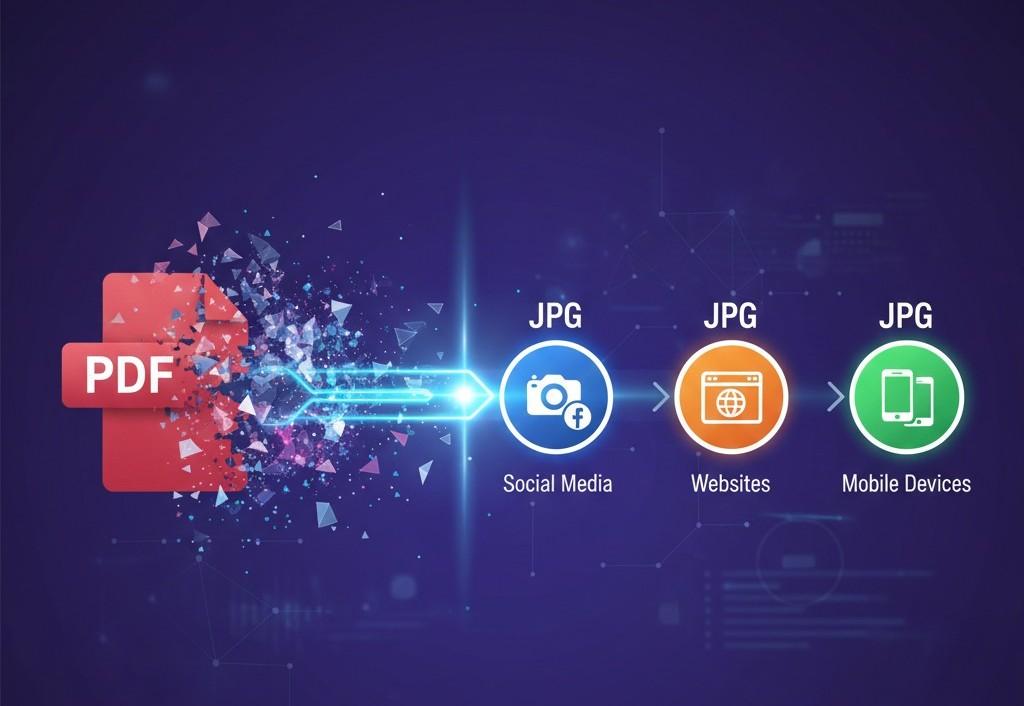
How to Convert PDF to JPG Images in 2026
PDF files often limit quick access and flexible use across many popular online environments. However, they are not the right fit when it comes to social media or websites. JPG images open easily on devices and support smooth posts on websites.
Conversion from PDF to JPG helps creators control layout and visual clarity. Image formats suit social platforms because users view photos without special readers. Design teams prefer images because previews appear accurate across browsers today everywhere.
What's more, JPG files reduce size and load faster across networks and mobile connections. This change improves reach and engagement while content stays clear and consistent. Simple conversion tools work quickly and require minimal skills from users worldwide now.
Need guidance on how to convert PDF to image? The following is a guide designed to explore PDF to JPG converter software and how to ensure smooth conversion.
How PDF to JPG Conversion Works
The conversion process begins when a user selects a PDF file. Software reads each page structure and prepares visual data with precision. The system identifies text images and colors within the document fully. This step ensures accurate visual mapping before image creation across platforms.
Next, the software renders each page as a detailed bitmap image. Resolution settings define clarity, size, and sharpness for the final image. Color profiles adjust tones to match the original PDF appearance closely. The program applies rendering rules that preserve fonts and graphics quality.
The system then converts each image into JPG format files successfully. Compression settings balance file size and image quality during conversion stages. The tool saves each page as a separate image file.
Users can then download images ready for sharing online across platforms. This process completes quickly and supports consistent results across devices and operating systems worldwide today for many users.
Step-by-Step: Convert PDF to JPG
Here is a simple, step-by-step process to convert PDF to JPG using online tools.
- Users upload the PDF file through the chosen conversion tool.
- Select JPG as the preferred output image format.
- Adjust resolution and quality settings before image creation.
- The software processes each PDF page into separate JPG images.
- Users can download the finished images directly to their device.
Best PDF to JPG Tools
Let's have a look at some of the best PDF to JPG conversion tools.
1. Adobe Acrobat
Adobe Acrobat is a well-known document management platform. Its online PDF to JPG converter works in any browser and offers reliable performance. This tool comes from the same company that created the PDF format, so you can trust its compatibility and output quality.
The online version lets you convert PDFs into high-resolution JPG images quickly. Acrobat also supports multiple other file formats, like PNG and TIFF, when you choose image output.
Pros
- Produces consistent and high-quality JPG images from PDF files
- Works in any web browser without software installation
- Supports other output formats beyond JPG as needed
Cons
- Requires an Adobe account sign-in before downloading many files
- Advanced features often require a paid subscription
- Some users report complexity in the interface and options
2. iLovePDF
iLovePDF is a popular cloud-based PDF toolkit with many handy tools. Users can convert a PDF into JPG images by uploading their file and picking a quality level. This tool also lets users extract images from a PDF if needed. The platform works directly in a browser and keeps your files safe with encryption during processing. No installation is required.
Pros
- Free service with no software download required
- Offers both page conversion and image extraction options
- Keeps files safe and deletes uploads after processing
Cons
- The maximum file upload size may be limited in free mode
- Advanced tools like "high quality" options may require a paid plan
- The interface may feel slightly crowded or overwhelming with many features
3. Smallpdf
Smallpdf provides an easy PDF to JPG image converter that runs online. You upload your PDF, pick whether you want full pages or images only, and then start the conversion. Smallpdf emphasizes fast and simple use from any device or browser. The service uses secure connections to protect files while processing.
Pros
- Clean site with straightforward conversion steps
- Works on phones, tablets, and desktop browsers
- Converts entire pages or extracts embedded images
Cons
- Free plan has daily limits on the number of conversions
- Some features may require a Smallpdf Pro account
- Larger PDFs may take slightly longer to process
4. PDF2JPG.net
PDF2JPG.net offers a basic and free service for turning PDF pages into JPG images. Users do not need to register or install anything. This tool converts uploaded documents quickly and lets users download JPGs as a ZIP file when conversion completes. Quality stays decent, and pages convert fast.
Pros
- Very simple interface that beginners can use easily
- No registration or login required at any step
- Handles high definition output for most file types
Cons
- Lacks customization options seen in other tools
- Does not include extra PDF editing features
- No built-in mobile app or offline version
Here is a brief comparison between the tools above.
| Tool | Works Online | Free Use | Multiple Formats | Quality Options |
|---|---|---|---|---|
| Adobe Acrobat | Yes | Yes with sign-in | Yes | Moderate |
| iLovePDF | Yes | Yes | No | Low-High |
| Smallpdf | Yes | Yes (limited) | Yes | Moderate |
| PDF2JPG.net | Yes | Yes | No | Basic |
Image Quality Settings
Image quality settings play a major role in PDF-to-JPG conversion processes. Resolution defines how sharp text and graphics appear within the final image. Higher resolution increases detail and improves readability on screens and prints. Lower resolution reduces file size and supports faster sharing across platforms.
Compression settings control how much image data the system removes safely. Strong compression creates smaller files but may reduce clarity and fine details. Light compression preserves visual quality and maintains reasonable file sizes for use. Balanced settings help users achieve clear images without unnecessary storage demands.
Conclusion
PDF to JPG conversion offers practical value across modern digital publishing workflows today. Image formats support faster sharing and stronger visibility across websites and social platforms. Creators gain better control over layout clarity and preview consistency through image use.
Clear conversion steps help users move from document files toward share-ready visuals. Reliable tools process pages accurately and maintain color, text, and graphic details. Simple settings allow a balance between image quality, file size, and loading speed.
The right tool choice depends on project goals, budget limits, and quality needs. Balanced resolution and compression settings deliver clear images without heavy storage demands.
FAQs
Does conversion reduce quality?
Quality changes depend on the resolution and compression settings selected during the PDF to JPG conversion process by users. High resolution with balanced compression keeps images sharp and clear across screens, devices, and printed materials.
Can I convert multi-page PDFs?
Most online converters support multi-page PDFs and convert each page into a separate JPG image. Users can download all images together, which helps manage documents efficiently after conversion completes on most platforms.
Is PDF to JPG free?
Many PDF to JPG tools offer free conversion with limits on file size and daily usage. Premium plans remove restrictions and add features like higher quality settings, batch support, and faster processing speeds.
What resolution is best?
Best resolution depends on usage, such as web sharing, social media posts, or high-quality printing. Higher resolution suits print needs, while moderate resolution works well for websites, mobile displays, and online platforms.
Are the images watermark-free?
Watermarks depend on the tool because some free services add branding to converted images intentionally. Paid tools and many reputable free platforms provide clean JPG files without visible watermarks for users.