 English
 Spanish
 French
 German
 Italian
 Amharic
 Afrikaans
 Arabic
 Chinese
 Japanese
 Korean
 Turkish
 Finnish
 Bengali
 Czech
Czech
 Indonesian
 Danish
 Greek
Greek
 Hindi
Hindi
 Armenian
 Malay
Malay
 Dutch
Dutch
 Norwegian
 Polish
 Portuguese
 Romanian
 Russian
 Swedish
 Thai
Thai
 Vietnamese
 Ukrainian
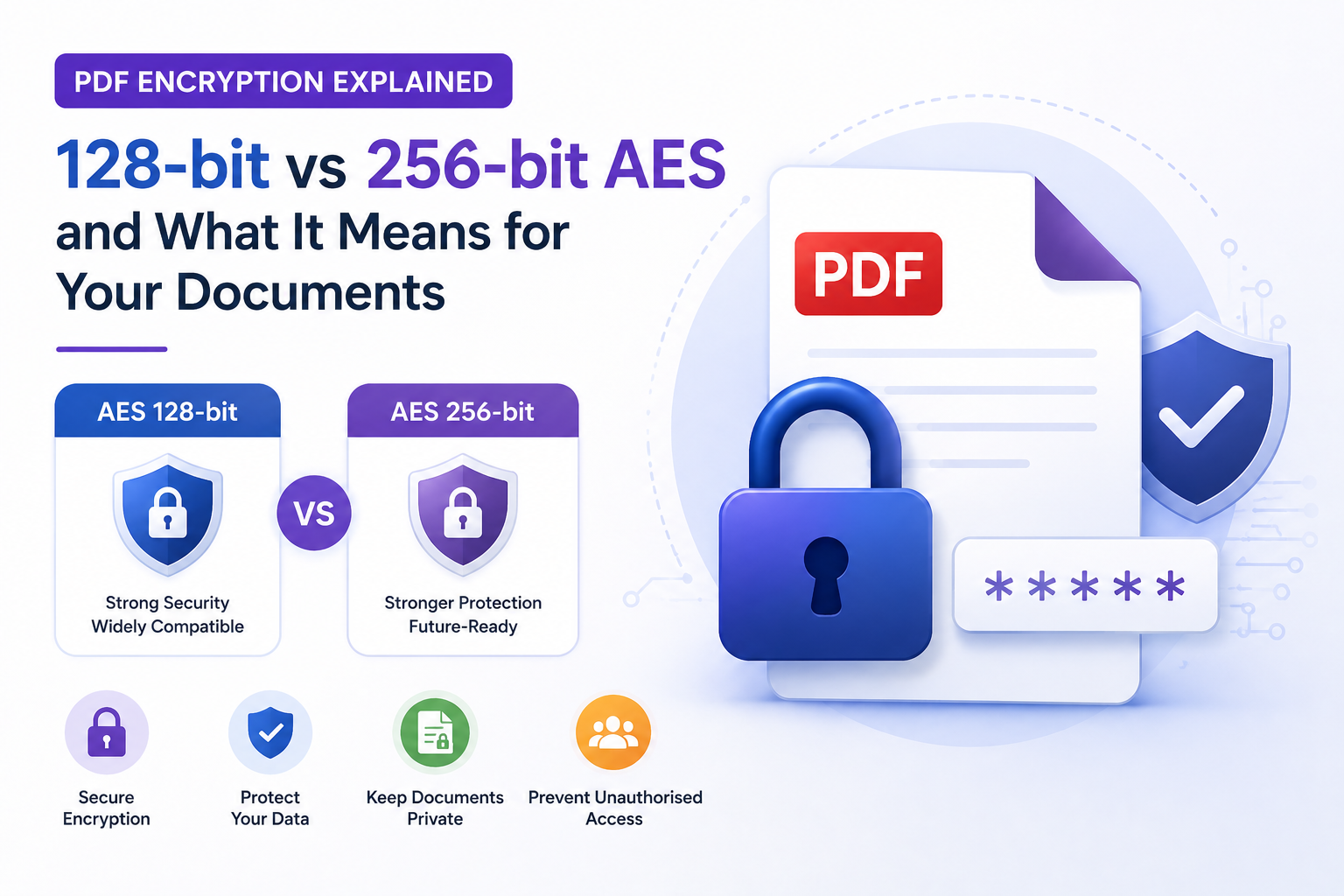
PDF Encryption Explained: 128-bit vs 256-bit AES and What It Means for Your Documents
The Setting Most People Click Past
When you add password protection to a PDF using Adobe Acrobat, LibreOffice, or any other tool, a dialog box typically shows an encryption options section. It offers choices like RC4 128-bit, AES 128-bit, and AES 256-bit. Most people click the first option or whichever one appears selected by default and move on.
This is understandable because the terminology sounds technical and the practical difference is not obvious. But choosing the wrong encryption level can mean the difference between a document that is genuinely protected and one that can be compromised with freely available tools. This guide explains what these settings mean in plain language, and which to use for each situation.
What Encryption Actually Does to a PDF
Encryption is the process of transforming readable data into scrambled, unreadable data using a mathematical algorithm and a key. To reverse the process and read the document, you need the correct key. In a password-protected PDF, your password is used to generate the encryption key, and the algorithm is what does the mathematical transformation.
A PDF without encryption is readable by anyone who opens the file. A PDF with strong encryption and a strong password is computationally unreadable without the password. The algorithm and key length determine how difficult it is for someone to try all possible passwords until they find the right one, which is the primary attack method against encrypted files.
The History of PDF Encryption Standards
RC4: The old standard that should never be used
RC4 was the encryption algorithm used in early versions of PDF. It appeared in two key lengths: 40-bit and 128-bit. RC4-40 was used in PDF versions 1.0 through 1.3 and is now trivially crackable. A standard laptop can break RC4-40 encryption in seconds using free software. RC4-128 appeared later and was stronger, but RC4 as an algorithm has fundamental mathematical weaknesses that researchers identified and exploited over many years. Both RC4 variants are now classified as insecure by cryptographic standards bodies and should never be used.
AES: The current standard
AES stands for Advanced Encryption Standard. It is a completely different algorithm from RC4, developed through an open competition organised by the US National Institute of Standards and Technology between 1997 and 2001. AES was designed specifically to address the weaknesses of older algorithms and has withstood over two decades of intensive cryptographic analysis without any significant vulnerabilities being found.
AES was introduced to PDF in version 1.6 with 128-bit key length, and in PDF 1.7 with 256-bit key length. These are the two options you should see in any current PDF application.
What the Bit Number Means
The bit number refers to the length of the encryption key. A 128-bit key has 2 raised to the power of 128 possible values. That is approximately 340 undecillion combinations, a number so large that trying every possible key with the fastest available supercomputers would take longer than the current age of the universe.
A 256-bit key has 2 raised to the power of 256 possible values. This is approximately 10 raised to the power of 77, a number that exceeds the estimated count of atoms in the observable universe. With current and near-future computing technology, including quantum computers, AES-256 remains secure.
The practical implication is that both AES-128 and AES-256 are essentially unbreakable by brute force when combined with a strong password. The meaningful difference between them relates to long-term security margins and specific threat models rather than any practical vulnerability today.
Why Password Strength Matters More Than Key Length
Here is the important nuance that the bit count marketing obscures: the algorithm's key length only matters if your password is strong enough to take advantage of it. When someone tries to crack a password-protected PDF, they do not start by trying every possible key directly. They start with dictionary attacks, using lists of common words, names, dates, and known password patterns.
A PDF protected with AES-256 and the password company2024 can be cracked in seconds by a dictionary attack. A PDF protected with AES-128 and a randomly generated 16-character password including symbols cannot be cracked with any current or near-future technology.
This means that choosing a strong password is more important than choosing between AES-128 and AES-256. However, since AES-256 costs nothing extra in terms of usability and adds an additional security margin, it is the recommended choice when it is available.
Which Encryption Level to Use in Each Situation
For standard business documents such as reports, presentations, and correspondence that contain sensitive information, AES-128 provides more than adequate security combined with a strong password. It is compatible with all PDF readers released after 2005.
For documents that contain highly sensitive information such as financial records, medical data, legal agreements, or personal identification documents, AES-256 is the appropriate choice. The additional security margin is worth having for content where the consequences of unauthorised access would be serious.
RC4 in either variant should never be used. It is visibly marked as deprecated or insecure in most current PDF creation tools, but it is still offered for compatibility with very old systems. There is no modern use case that justifies RC4.
Compatibility Considerations
AES-256 requires a PDF reader that supports PDF 1.7 or later. This includes all versions of Adobe Acrobat Reader released after 2009, Google Chrome's built-in PDF viewer, Firefox's PDF viewer, Microsoft Edge, Apple Preview, and virtually all PDF applications available in 2026. For all practical purposes in the current environment, AES-256 compatibility is not a concern.
AES-128 is compatible with PDF readers that support version 1.6 or later, which includes everything released after approximately 2005. If you have any reason to believe recipients might be using very old PDF software, AES-128 provides a broader compatibility margin, though this scenario is extremely unlikely in 2026.
Conclusion
PDF encryption is a practical, accessible security feature that provides genuine protection when used correctly. The choice between AES-128 and AES-256 matters less than the choice of password. Use AES-256 whenever it is available because it costs nothing extra and provides a better long-term security margin. Never use RC4. And use a password that is genuinely random and complex enough to resist dictionary attacks.
For practical guidance on applying password protection, see the full guide on how to password protect a PDF. To protect PDF files online without software installation, use the protect PDF tool at PDFTools.
Frequently Asked Questions
Is AES-256 truly unbreakable?
With a strong password and current technology, yes. Even with theoretical future quantum computing capabilities, AES-256 retains adequate security margins. The US National Security Agency approves AES-256 for top-secret classified information, which is the clearest possible endorsement of its strength. The realistic vulnerability in any PDF security scheme is a weak password, not the algorithm.
Does encrypting a PDF with AES-256 slow it down when opening?
No, not perceptibly. Modern processors perform AES decryption extremely quickly. The time to decrypt a PDF and render it for viewing is measured in milliseconds and is not noticeable to the user regardless of whether AES-128 or AES-256 is used.
Can I change the encryption level of a PDF that is already protected?
Yes, by opening the document with its password in a PDF editor like Adobe Acrobat Pro or LibreOffice, removing the existing protection, and re-applying with new settings. This requires knowing the original password.
Does PDF encryption protect the metadata as well as the content?
Most encryption implementations protect the document content, streams, and attachments. Some metadata fields, including the document title and creation date, may remain readable even in an encrypted PDF depending on the tool used. Adobe Acrobat Pro's encryption options include settings that also encrypt metadata if this is a concern.