 English
 Spanish
 French
 German
 Italian
 Amharic
 Afrikaans
 Arabic
 Chinese
 Japanese
 Korean
 Turkish
 Finnish
 Bengali
 Czech
Czech
 Indonesian
 Danish
 Greek
Greek
 Hindi
Hindi
 Armenian
 Malay
Malay
 Dutch
Dutch
 Norwegian
 Polish
 Portuguese
 Romanian
 Russian
 Swedish
 Thai
Thai
 Vietnamese
 Ukrainian
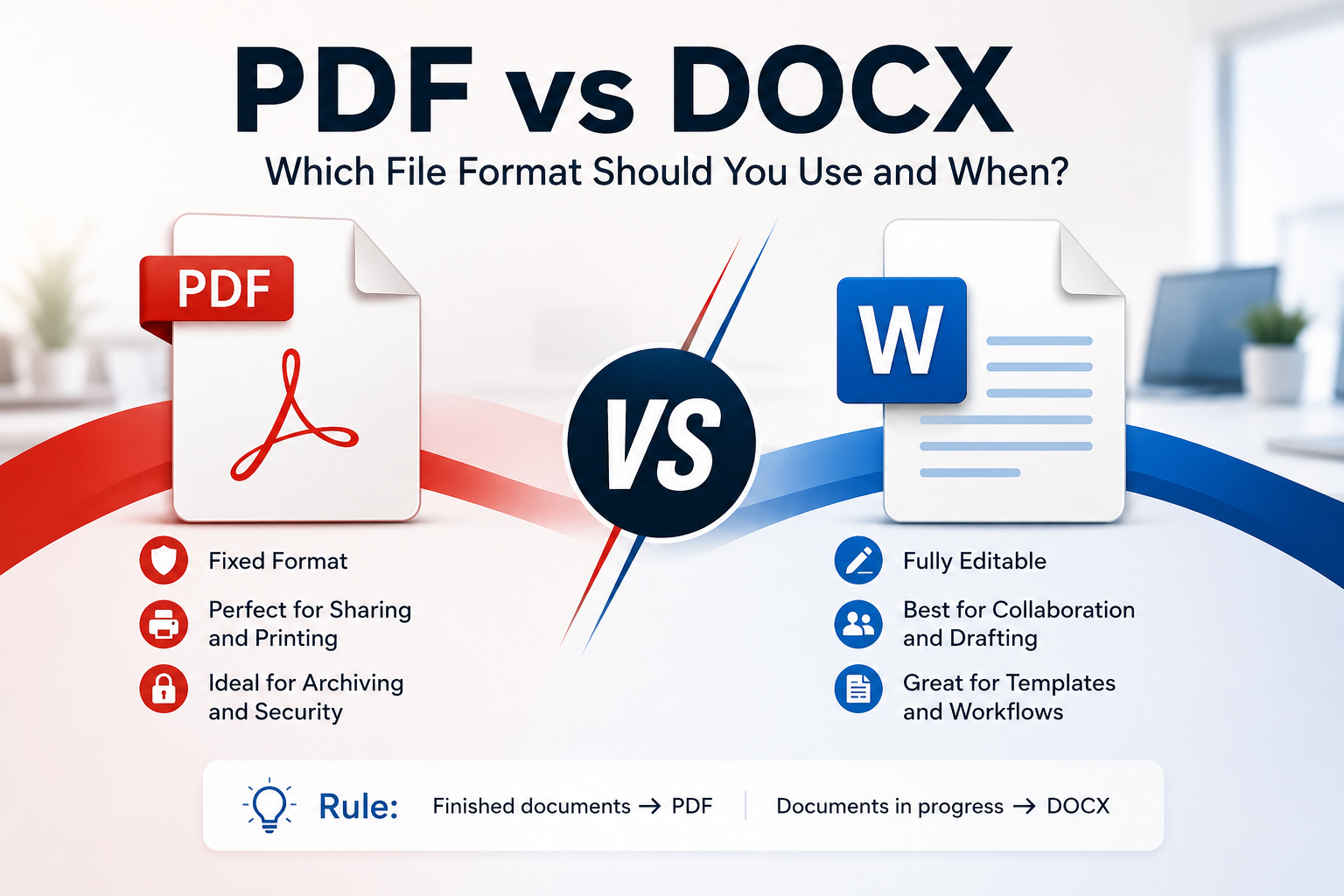
PDF vs DOCX: Which File Format Should You Use and When?
A Decision Most People Make Without Thinking
Every day, millions of people click Save As and choose between PDF and DOCX without pausing to consider which one actually serves their purpose. For many documents, the choice matters a great deal. Sending the wrong format can mean a recipient cannot open your file, cannot edit a document they need to modify, or receives something that looks completely different on their device than it did on yours.
Understanding the difference between these two formats takes about five minutes, and it resolves the ambiguity permanently. This guide explains what each format is designed to do, which situations call for each one, and how to convert between them when needed.
What PDF Was Built For
PDF stands for Portable Document Format. Adobe created it in 1993 with a single clear goal: make a document look exactly the same on every device, operating system, and screen it is opened on. PDF achieves this by encoding the complete visual presentation of a document into a self-contained file. All the font data, image data, layout measurements, and colour information travel with the file.
The practical result is a format with remarkable visual fidelity. A PDF created on a Mac in 2018 and opened on a Windows PC in 2026 will look identical. The fonts will be the same. The spacing will be the same. The page layout will be the same. This predictability is what makes PDF the standard for any document that needs to be shared or published.
PDF became an open international standard in 2008, published as ISO 32000. Any software company can implement PDF support without licensing fees, which is why PDFs open in every modern operating system and hundreds of applications without any special software.
What DOCX Was Built For
DOCX is Microsoft's Office Open XML format for Word documents. Unlike PDF, which locks down the visual presentation of a document, DOCX describes the content and formatting in a way that is meant to be rendered by the application opening it. The document tells the software what the content is and how it should look, but the final appearance depends on the application doing the rendering.
Open the same DOCX file in Microsoft Word 2019, Google Docs, LibreOffice Writer, and Apple Pages, and you will see four slightly different versions. Fonts may be substituted. Line spacing may differ slightly. Tables may shift. This variability is not a flaw, it is a deliberate design choice that prioritises editability over visual consistency.
DOCX files are built to be worked on. Track Changes, comments, document styles, mail merge, automatic tables of contents, and cross-references are all native features. These tools do not exist in standard PDFs because they are not needed in a read-only presentation format.
When to Use PDF
Sharing a finished document
Any document that is complete and ready for its audience should go out as a PDF. Resumes, invoices, project proposals, research reports, contracts, and presentations are all better shared as PDFs. The recipient sees exactly what you intended, without any risk of accidental edits or formatting corruption caused by font differences between your computer and theirs.
Submitting to official systems
Government agencies, university admissions portals, corporate HR systems, and most official submission platforms require PDF. The reason is consistency: when thousands of people submit documents through a system, PDF guarantees they all display correctly regardless of what software or operating system was used to create them.
Documents that will be printed
PDF is the standard format for professional printing. Print shops, publishers, and large-format printers all work natively with PDFs because the format encodes precise page dimensions, colour information, and font data. Submitting a DOCX to a print shop is always a risk because their rendering environment may differ from yours.
Long-term archiving
For documents that need to remain readable over many years, PDF and specifically the PDF/A variant are the correct choice. PDF/A embeds all fonts and resources within the file, ensuring the document can be rendered correctly regardless of what software exists in the future. Government archives, legal record systems, and academic repositories all use PDF/A as their archival standard.
When to Use DOCX
Collaborative editing
If multiple people need to edit, comment on, or review a document, DOCX is the right format. Track Changes in Microsoft Word and the commenting and suggestion tools in Google Docs are far more capable than anything available in standard PDF editing. Keep the document as DOCX throughout the editing process and convert to PDF only when the final version is approved.
Template-based documents
Business letters, reports with a repeating structure, mail merge documents, and anything that needs to be generated multiple times with variable content all benefit from DOCX templates. The mail merge capability alone can save hours per week for anyone who regularly produces personalised documents at scale.
Documents that will be edited by the recipient
If you are sending a draft for someone to review and modify, DOCX is the only sensible choice. Asking someone to edit a PDF is frustrating and produces inferior results. Send DOCX for anything that needs to come back with changes.
Converting Between Formats
If you receive a PDF that needs editing, converting it to DOCX is straightforward using the PDF to Word converter at PDFTools. The conversion preserves text, tables, and most formatting, though complex layouts may need minor adjustments after conversion.
Converting DOCX to PDF is even simpler. Microsoft Word's native export function (File > Export > Create PDF/XPS) produces the highest quality results. For users without Word installed, the Word to PDF tool at PDFTools handles the conversion in seconds without any software requirement.
Tip: Always convert to PDF from the original source file rather than converting back and forth multiple times. Each conversion cycle can introduce small changes to formatting.
The Quick Decision Rule
If you are looking for a single rule that covers most situations, this one works well: documents that are finished go out as PDF, documents that are still being worked on stay as DOCX.
A resume is finished before you send it, so it goes as PDF. A contract draft being reviewed by both parties stays as DOCX until the final version is agreed, then gets saved as PDF for signing. An invoice is finished when you create it, so it is sent as PDF. A budget spreadsheet being edited by a team stays as its native format until the final numbers are locked.
Conclusion
The PDF versus DOCX decision is straightforward once you understand what each format is designed for. PDF preserves visual presentation for sharing, printing, and archiving. DOCX enables editing, collaboration, and template-based document production. Most professional document workflows use both, with DOCX during creation and PDF for final distribution.
For converting between formats, see the PDF to Word tool and Word to PDF tool at PDFTools, both of which are free and require no registration.
Frequently Asked Questions
Does converting DOCX to PDF reduce quality?
No, when done correctly. Using Microsoft Word's native export function or a quality converter like PDFTools produces a PDF that looks identical to the Word document. The conversion captures all fonts, images, and formatting at the time of conversion. Avoid using the Print to PDF method through a virtual printer, as this can reduce image resolution.
Can a PDF be edited after it is created?
Yes, with limitations. Adobe Acrobat Pro allows text editing within PDFs, but it is not designed for substantial rewrites. For meaningful edits, converting the PDF back to DOCX is usually more practical. For minor corrections, a dedicated PDF editor works well.
Which format is better for publishing documents online?
For content that will be read on a web page, HTML is better than both. For downloadable documents published on websites, PDF is strongly preferred over DOCX because it displays correctly in browsers without any software, and it is indexed by search engines.
Are DOCX files smaller than PDFs?
It depends on the content. For text-heavy documents, DOCX is usually smaller. For image-heavy documents, a compressed PDF is often smaller than the equivalent DOCX. Using the compression tool at PDFTools after creating a PDF is often the most effective way to minimise file size for sharing.